

Milq SMS Opt-In Flow
This hosted page documents the Milq SMS consent experience. The flow starts with account authentication, then shows the optional phone number opt-in screen for transactional build updates.
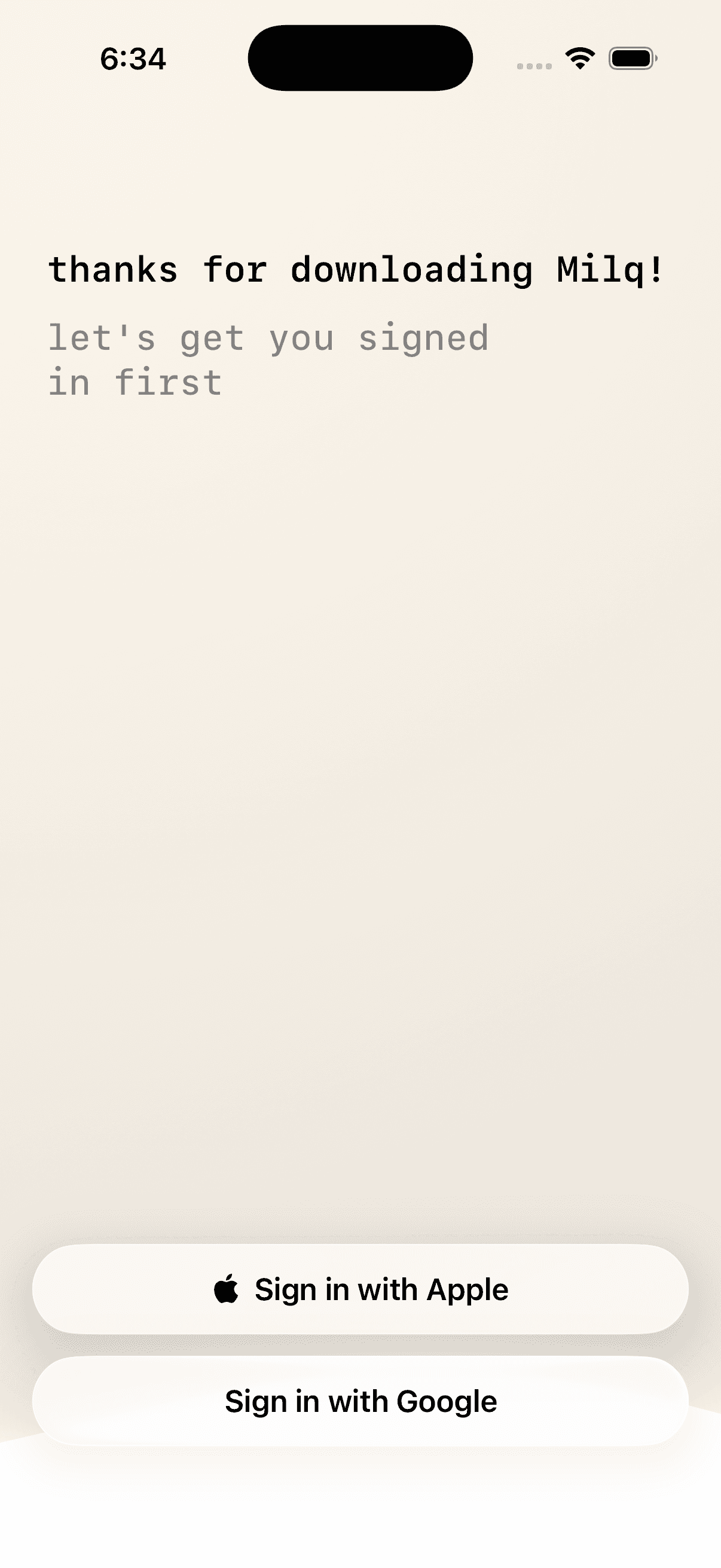
Step 1
User Signs In with Apple or Google
The Milq app first authenticates the user through Apple or Google sign-in before presenting the SMS opt-in screen.
Step 2
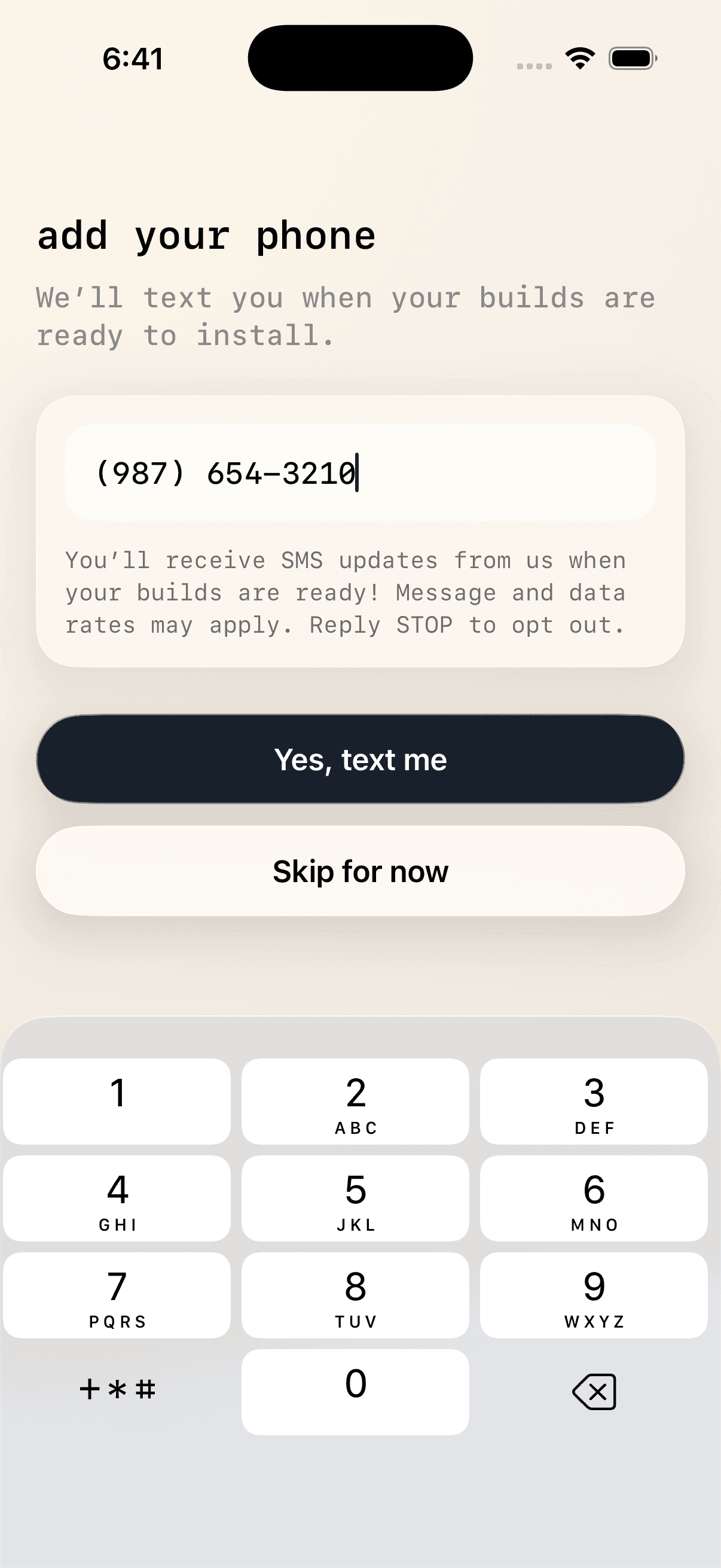
User Enters a Phone Number and Opts In
After sign-in, the user can enter a mobile phone number and tap Yes, text me to receive transactional SMS build updates.
Step 3
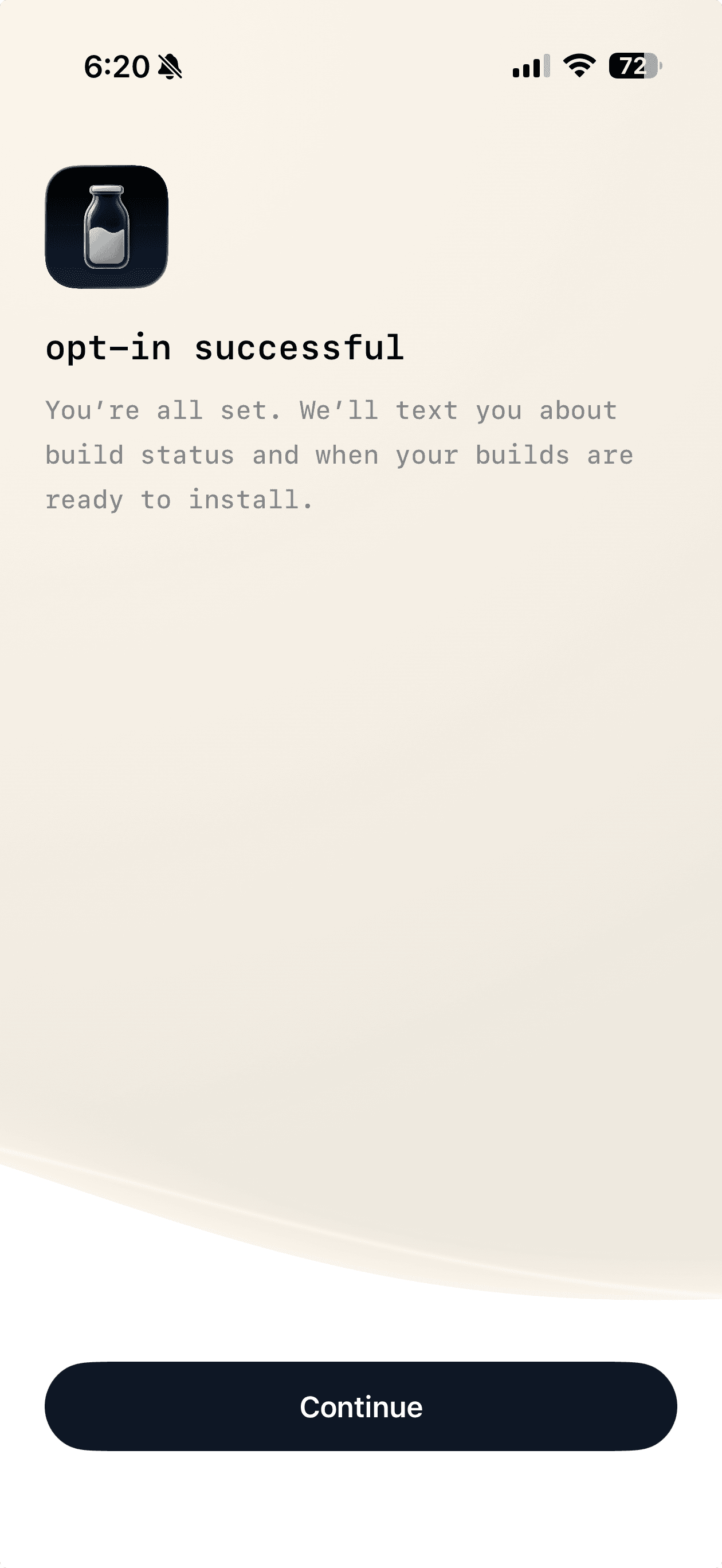
User Receives Opt-In Confirmation
After submitting the phone number, the user sees confirmation that Milq will send transactional build status and build-ready notifications.
SMS and Mobile Phone Information
If you provide your phone number, Milq may use it to send transactional SMS messages related to builds you create, including build-ready links and build status updates. Message frequency varies. Message and data rates may apply.
We do not sell or share your mobile phone number or SMS opt-in information with third parties or affiliates for marketing or promotional purposes.
You can opt out of SMS messages at any time by replying STOP. You can request help by replying HELP.
Review Milq's SMS Privacy Policy and SMS Terms of Service.